 Photo
PhotoUnderstand the layer stack
Layers near the top cover layers below them wherever they are opaque. Select a row to edit that layer; use its visibility control to hide or show it. Drag rows to reorder layers. A duplicate belongs immediately above its original so it is easy to compare the two.
If an effect covers your text unexpectedly, inspect its position in the stack. A fill above every layer affects the whole composition; a fill below the text leaves the text unobscured. Opacity fades a layer, while a blend mode changes how its colors combine with layers underneath.
Hide an area with a layer mask
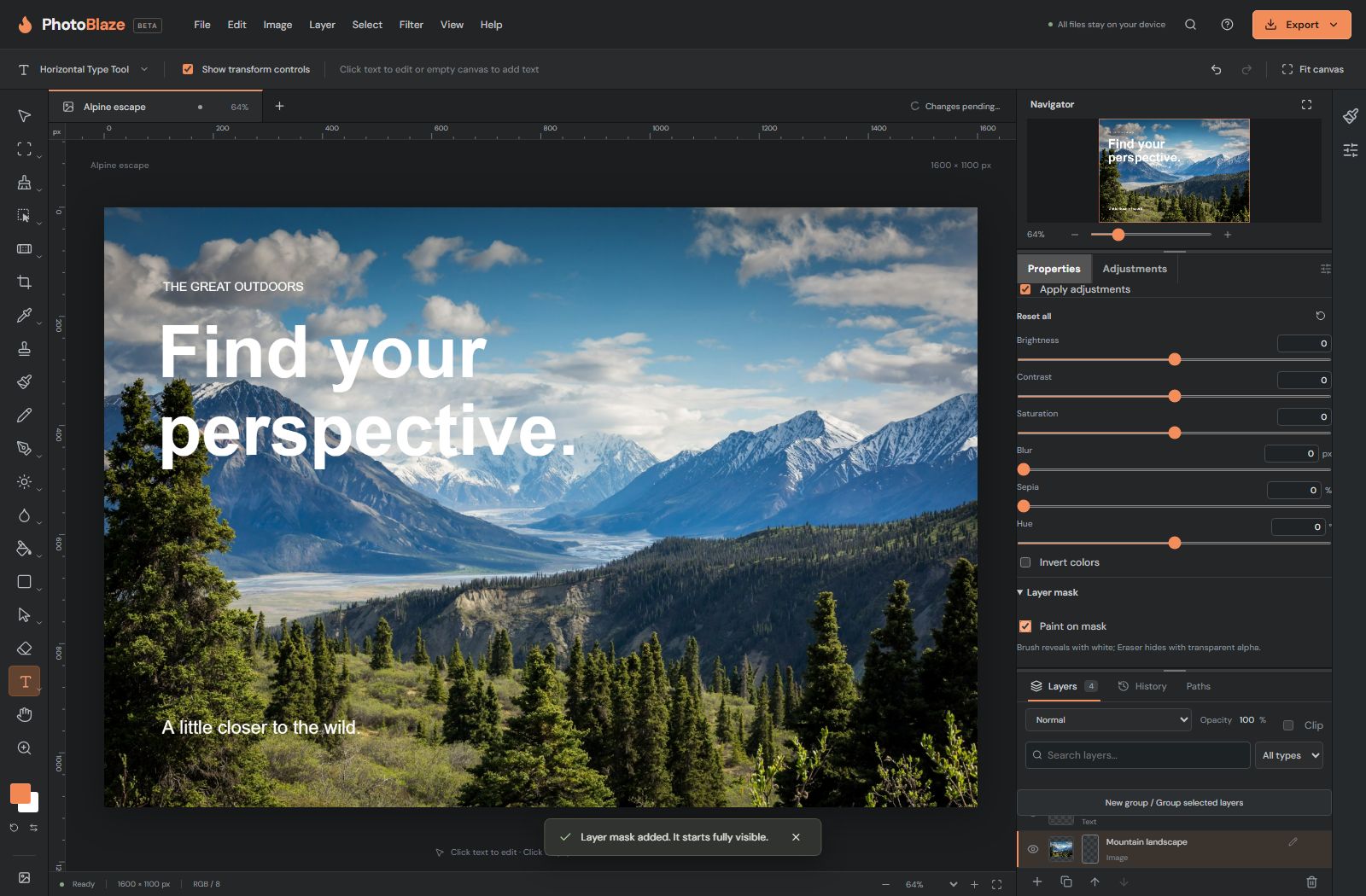
- Select the layer you want to reveal or hide.
- Choose Add layer mask. A separate mask thumbnail appears beside the layer.
- Enable Paint on mask before painting the mask.
- Use the Eraser to hide parts of the masked layer and the Brush to reveal them. Start with a soft edge for a gradual transition.
- Disable mask editing when you want to work on the layer’s content again.
The image pixels remain available behind the mask. Use Enable mask to compare with the unmasked image, or Invert mask to exchange the revealed and hidden areas. Undo an unwanted mask stroke instead of deleting the entire layer.
Selection, mask or transparency?
A selection limits an operation to a region. A layer mask controls a particular layer’s visibility. Transparent pixels contain no visible image at that location. These can look similar on the canvas but behave differently when you switch layers or save.
Before painting, check the selected layer, whether mask editing is enabled, and whether a selection is active. Most “nothing happens” problems start with one of those three states.
Keep a larger document understandable
Rename layers by their purpose, such as Background, Retouch, Headline and Color grade. Group related layers. Keep an untouched source layer while experimenting. Toggle a group or layer to evaluate whether a change improves the image.
Smart Objects are useful when you need to keep editable source content. Open the object’s contents, make the change, save the contents back to the parent and then save the parent PSD. Saving contents is not the same as downloading the parent file.