Resize an image
Make a photograph fit a website, email or presentation by changing its pixel dimensions. PhotoBlaze processes your artwork on your device in a full photo editor.
 PhotoBlazeBETA
Photo editing. In your browser.
PhotoBlaze is a browser-based photo editor for layered artwork, detailed photo adjustments and everyday image editing. Open a photo, build your composition and save a PSD you can keep working on.
Open PhotoBlazeLocal image processing · Desktop browser recommended
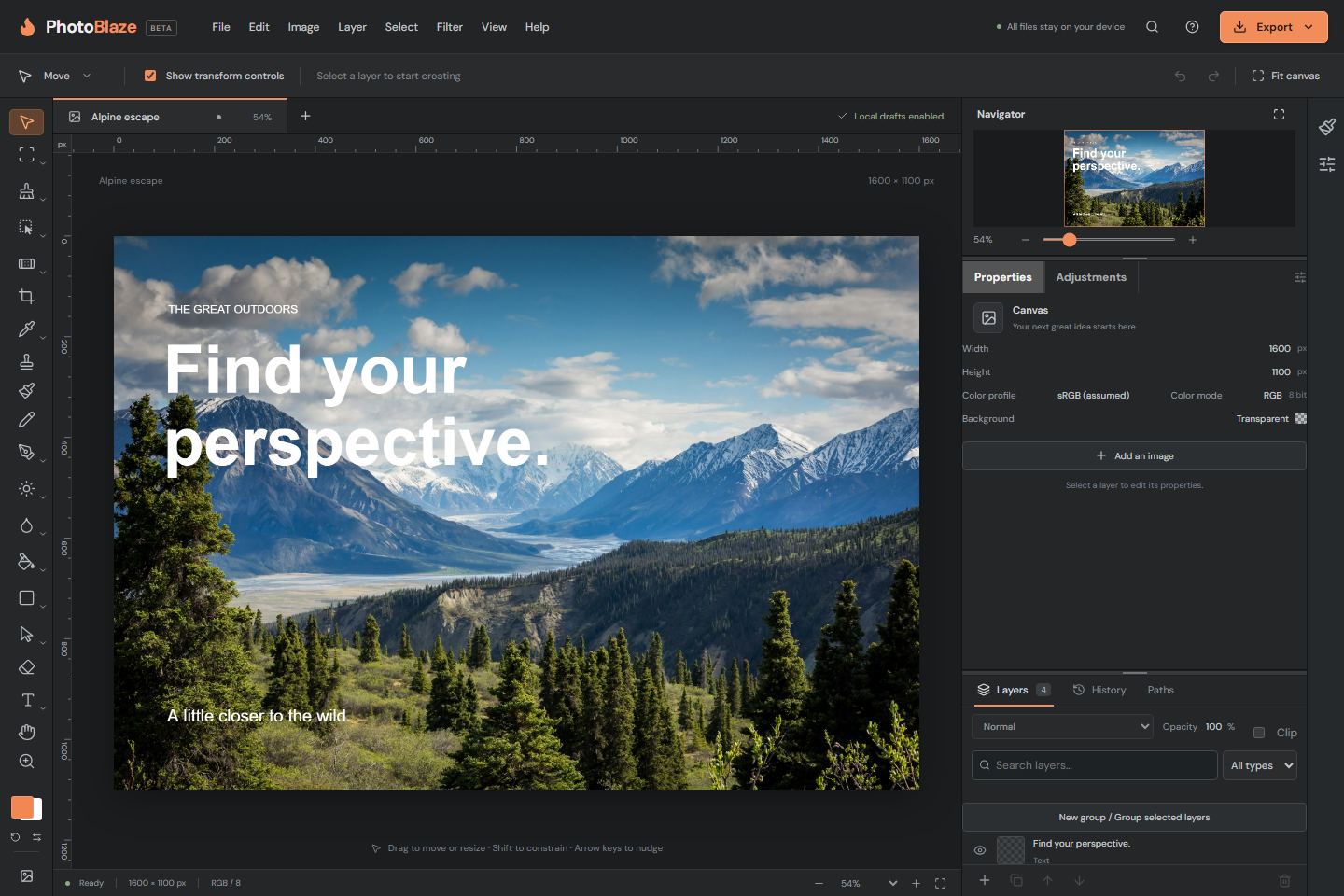
The PhotoBlaze editor · editable layers, one workspace
Choose a task for practical instructions, then open the full editor. No PhotoBlaze account is required.
Make a photograph fit a website, email or presentation by changing its pixel dimensions. PhotoBlaze processes your artwork on your device in a full photo editor.
Trim unwanted edges and improve the framing of a photograph. Crop in the browser, then keep editing with layers, text and adjustments if your project needs them.
Separate a subject from its background using selection tools and a layer mask. PhotoBlaze gives you an editable cutout workflow, with edge refinement before you export.
Reduce the size of an image download by choosing appropriate dimensions and export settings. This is a manual export workflow in PhotoBlaze, not a guaranteed target-size compressor.
Open your JPEG in PhotoBlaze and export a PNG on your device. You can also add text, crop the picture or create a transparent cutout before exporting.
Soften distracting detail with the Blur brush while keeping control of where it acts. Open an ordinary photo and begin brushing without a separate rasterization step.
Improve the overall lightness and tonal separation of a photo with an editable adjustment layer. The settings remain available while you work on the composition.
Combine photographs, text and shapes. Use masks to control what is visible and keep the source artwork available as you refine a composition.
Explore editing tools →Open PSD documents and save supported layers, text, masks and embedded Smart Objects. Check complex files after import: compatibility varies by feature.
Work with PSD files →Use supported 16-bit workflows for higher-precision photo adjustments. Choose an output format that fits the next step in your project.
Learn about 16-bit editing →PhotoBlaze processes opened artwork on your device. Browser recovery keeps checkpoints of your open documents; PSD downloads give you a separate copy.
The app and optional tools still need network downloads. Recovery is specific to your browser and site address, so save files you want to keep.
How local processing works →Open common photos, layered PSDs, HEIC, JPEG XL and supported camera RAW files. Export a finished image or save a PSD for another editing session.
Format support is not identical in both directions. Some formats are flattened, still-image only or decoded to a working image.
Check supported formats →Created by Jeremy Demers. PhotoBlaze is in beta; keep a backup of important source files.
Enjoy using PhotoBlaze? You can support Jeremy Demers and the continued development of the editor on Ko-fi.
